Keep it private.
That particular way you count stock or organise prep might be yours alone. Keep the app for your business and use it with your team.
Use AI to build apps around your Tillable data. Run them inside the marketplace, keep them private or publish them for others to use.
The restock list arranged for your shop floor. A prep sheet for your kitchen. The report you rebuild every Monday.
Build an app around the way you do that job, using the records you already keep in Tillable.
A useful app can do one small thing well. Here are a few ideas for what you could build.
“Build me a restock list from my sales and stock. Group it in the order I walk the shelves.”
Example brief for your AI coding tool.
Bring what sold and what’s left into a screen organised around your shop. You decide what to order next.
Built around your shelves, your categories and the way you buy.
App ideas to explore, not a list of ready-made apps.
Use Claude, a GPT-powered coding tool or your own development setup. Bring the idea; use AI to help write and refine the app.
Explain what you do today, which records you need and what you want the finished app to show.
Work with your coding tool, check the result against a job you know and adjust it until it fits.
Run your app inside the marketplace. Keep it for your business or publish it for others to use.
A restock list needs sales and stock. A prep sheet might need bookings and menus. Build with the Tillable records behind the job, using the information your app needs.
Explore access permissionsThe marketplace is where your app lives. Make something for your own team, or put it in front of other businesses with the same problem.
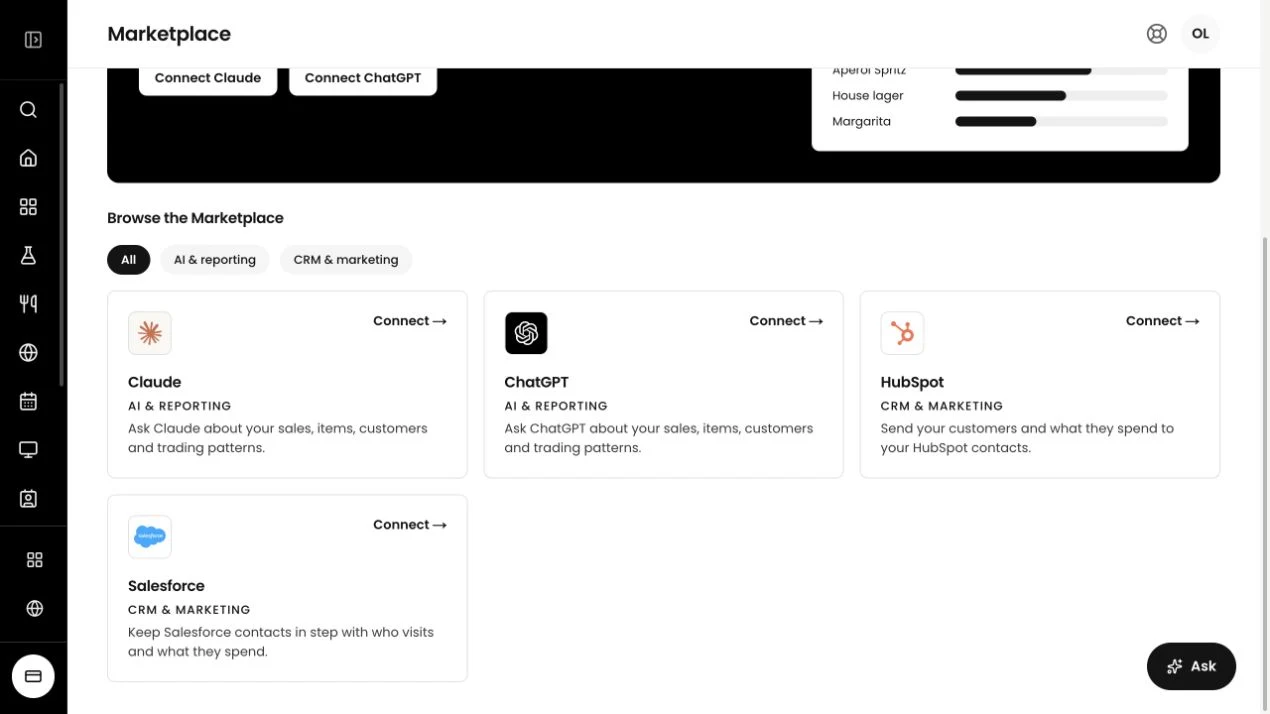
That particular way you count stock or organise prep might be yours alone. Keep the app for your business and use it with your team.
If another business has the same problem, your app could help them too. Publish it in the Tillable marketplace for others to use.
You’ll be able to earn from apps you publish in the Tillable marketplace. Your next product could start with something you built to make your own working day easier.
Talk about publishing an appIt lets you build apps with AI that work with your Tillable data and run inside the Tillable marketplace.
Build with tools such as Claude or GPT-based coding tools. Talk to us about the app you want to make and your chosen tool.
Start with a job that needs your business records. A restock list, kitchen prep sheet or customer follow-up screen are examples to explore.
No. You can keep your app private for your own business or publish it in the marketplace.
Paid apps are coming soon. You’ll be able to earn from apps you publish in the Tillable marketplace.
Tell us what you want to build, which Tillable records it needs and which AI coding tool you want to use.

Start with the job that keeps coming back. Tell us what you want your app to do.