Send the total straight to the terminal.
In connected mode, your Tillable point of sale sends the amount to your payment terminal. Your customer pays without your team entering the total again.
Explore point of saleAt the counter, on the shop floor or online. Take payments with Tillable and keep each one connected to the sale.
Some pay at the counter. Others order from home or need an invoice. Choose the tools that suit your business.
Use Tillable at the counter or carry a handheld to the customer. Take cards, contactless and mobile wallets, with each payment recorded against the order.
Choose the setup that suits your space and the way you serve. Your orders and payments stay together.
In connected mode, your Tillable point of sale sends the amount to your payment terminal. Your customer pays without your team entering the total again.
Explore point of saleServe on the shop floor or at the table. Take orders and card payments from the same handheld.
Explore handheld POSContactless, chip and PIN, Apple Pay and Google Pay.
Explore payment terminalsChoose products from your Tillable catalogue, arrange your pages and add your colours. Check how it looks on a phone or desktop before you publish.
Explore Online Shop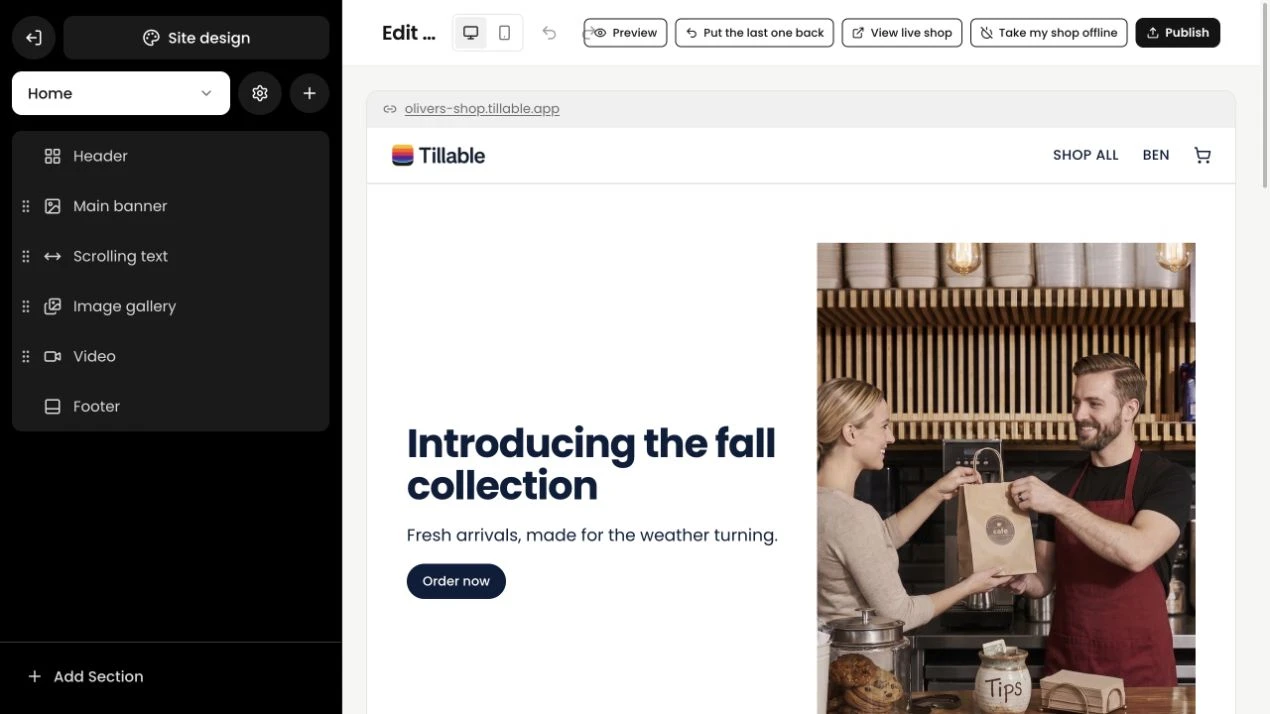
Look up a card payment, check a refund or follow a payout. Your reports keep the payment reference with the sale, so you can trace it when you need to.
Explore reporting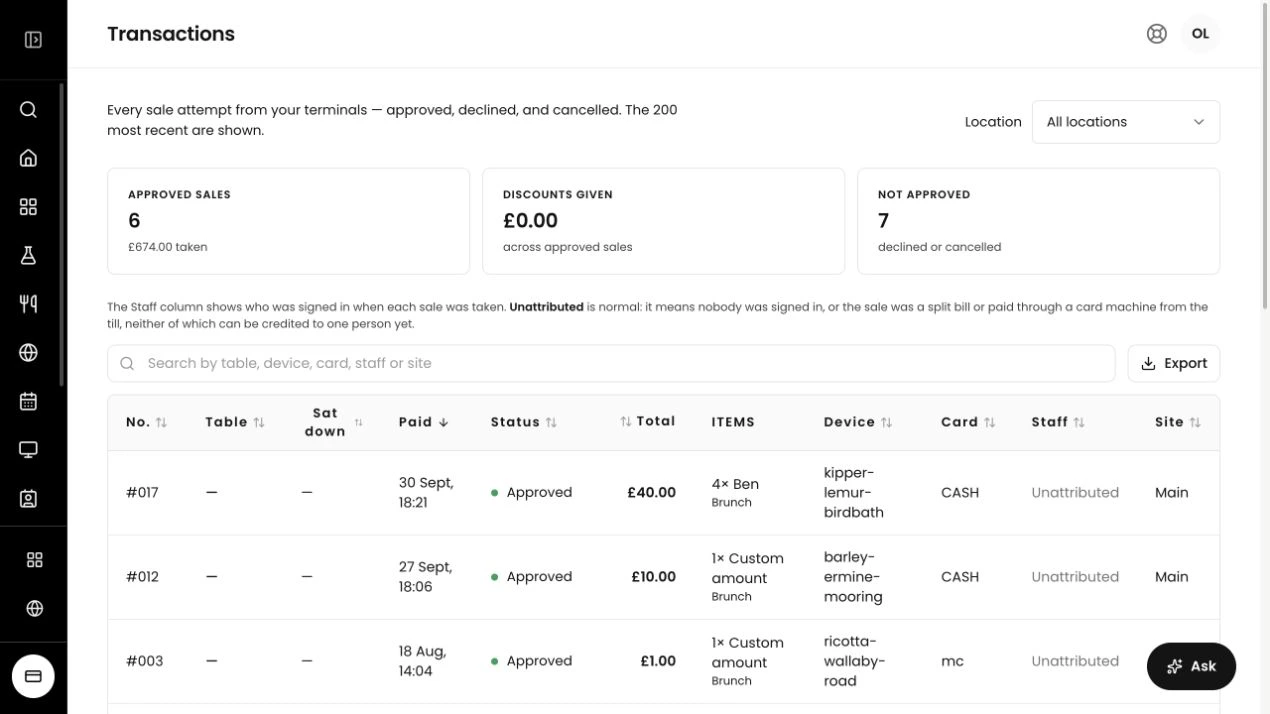
See approved, declined, refunded and part-refunded payments in the same view.
Use the payment reference to find the transaction you need to refund.
Give your AI agent access to the connected business, with permissions you control.
Card payments are paid into your chosen bank account on the next working day. Follow the money in Tillable, from the sale through to the payout.
See every payments featureThey tap, insert their card or use a mobile wallet. The payment is sent for authorisation.
Tillable records the payment result against the order, with a reference you can follow.
Your payout goes to the account you selected during setup, on the next working day.
Complete a short online application and get your payments account ready for trading. You can do it yourself, with support available if you need a hand.
Customers can use contactless cards, chip and PIN, Apple Pay or Google Pay on a Tillable payment terminal.
Card takings are paid into your chosen bank account on the next working day. You select your payout account during setup.
In connected mode, your Tillable point of sale sends the payment amount directly to your Tillable terminal. Your customer pays on the terminal, without your team entering the total again. Payments records the result, and one payment reference connects it to the sale.
A Tillable terminal can use mobile data if your business network drops. Card payments still need a working connection. Sales records that cannot upload stay queued on the device and retry. If no payment result arrives after 90 seconds, the draft is held for review.
Yes. Open your payments account in the portal and see your rates before applying. Your progress is saved as you go, so you can return when it suits you. You can complete setup without a sales call.
Tillable’s payment infrastructure comes from Yeti Pay. It supports the card payments running through the Tillable platform.

Apply online, or talk to us about the right setup for your business.