A balance they can check
Team members sign in to TiPJAR to see the tips in their account.
Let customers leave a tip when they pay. Tillable connects with TiPJAR to keep tips separate from your takings and send them to your team.

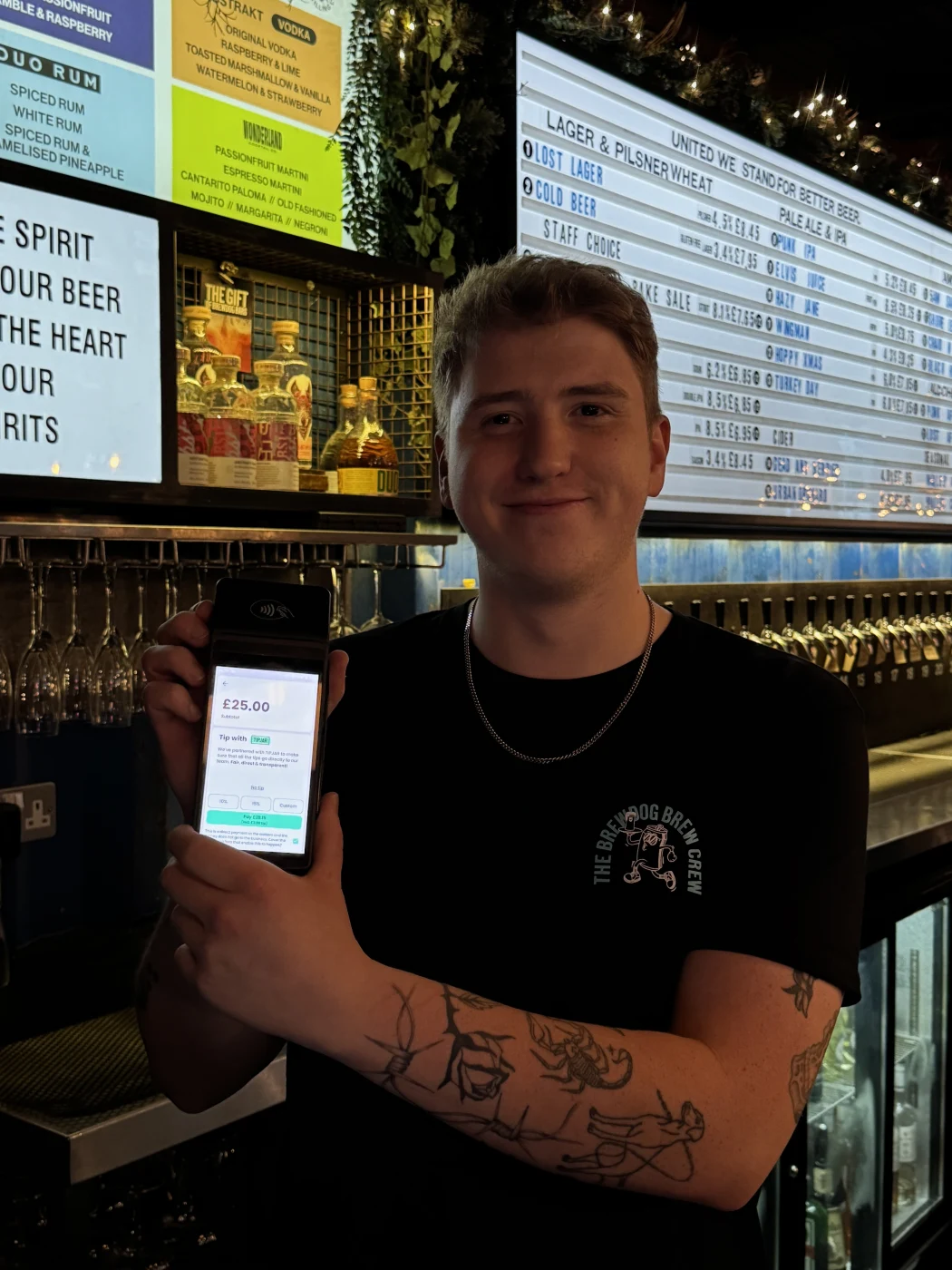
Your customer settles the bill and leaves a tip in the same payment. The bill goes to your business. The tip goes to TiPJAR for your team.
Your takings reach your business account.
TiPJAR receives and shares the tip.
Customers choose whether to leave a tip on the terminal. There’s no second card payment to make.
Staff sign in to TiPJAR themselves. You don’t have to look up balances on their behalf.
Meet TiPJAR (opens in a new tab)Team members sign in to TiPJAR to see the tips in their account.
Team accounts pool tips and share them between staff. Your team’s sharing setup is managed in TiPJAR.
Staff request withdrawals from TiPJAR to their bank account. Bank processing times apply.
Open Tillable’s Tips report to see recorded tips for the period you choose. Card and cash tips appear separately alongside the total.
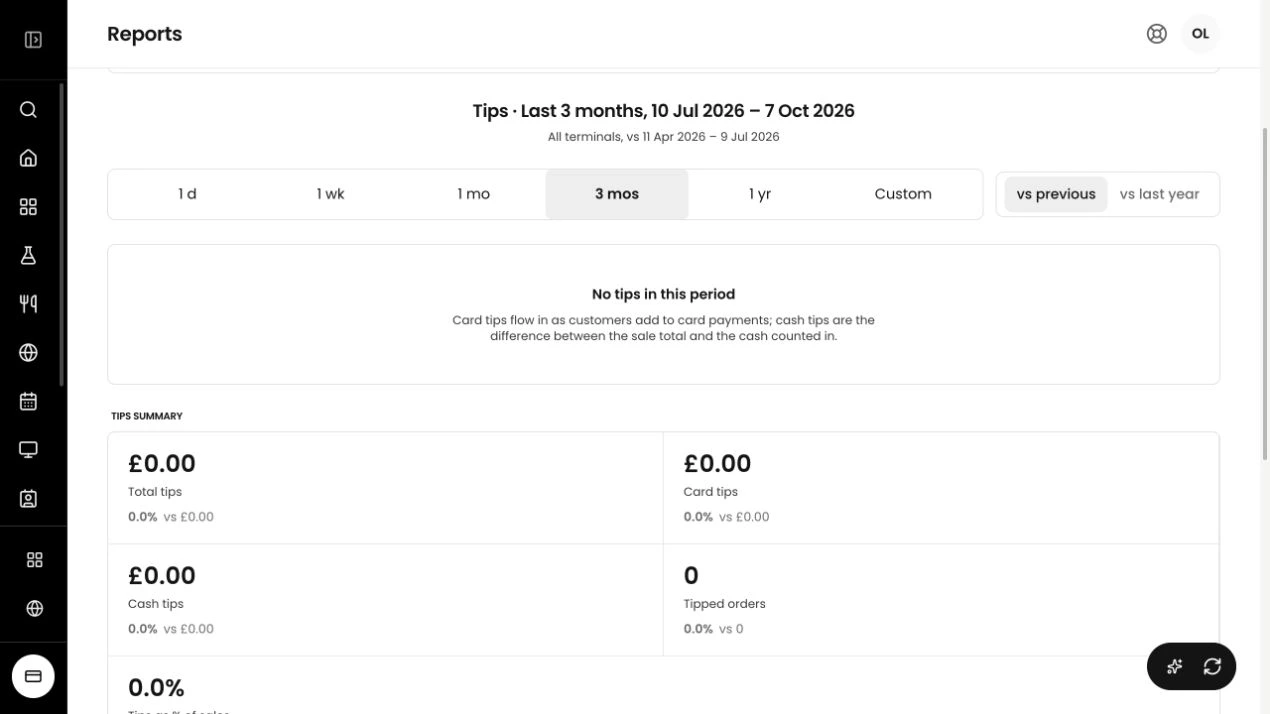
Review the period you need, from one day to a longer date range.
Filter the report by location to check the figures for a particular site.
We’ll talk through your terminals, your team and the TiPJAR connection. You’ll know what’s involved before you get started.
Tell us which terminals you use and where you want to take tips.
Talk through the account for your team, how tips are shared and the charges for your setup.
Invite staff to TiPJAR so they can sign in, see their tips and add their bank details.
Use tipping alongside Tillable Payments, then check the recorded figures in your reports.
No. With the TiPJAR connection, the bill and tip are collected in one card payment and routed separately.
The TiPJAR connection sends the tip to TiPJAR for your team. The payment for the bill goes to your business.
Yes. Staff can sign in to TiPJAR to check their balance and request a withdrawal to their bank account. Bank processing times apply.
Yes. TiPJAR team accounts support pooling and sharing tips between team members. Your team’s sharing setup is managed in TiPJAR.
Open the Tips report. It shows recorded tips with separate card and cash figures. Filter by date and location to see the period you need.
Talk to us about the payment and TiPJAR charges for your setup. We’ll confirm the service, terms and applicable fees before you get started.

Tell us about your business. We’ll walk you through tipping with Tillable and TiPJAR.