Your products and prices
Use the products you’ve already set up in Tillable. You don’t need to keep another list for phone sales.
Run the full Tillable system on your own device. Take contactless payments with Tap to Pay on selected iPhone and Android devices, without a separate card reader.
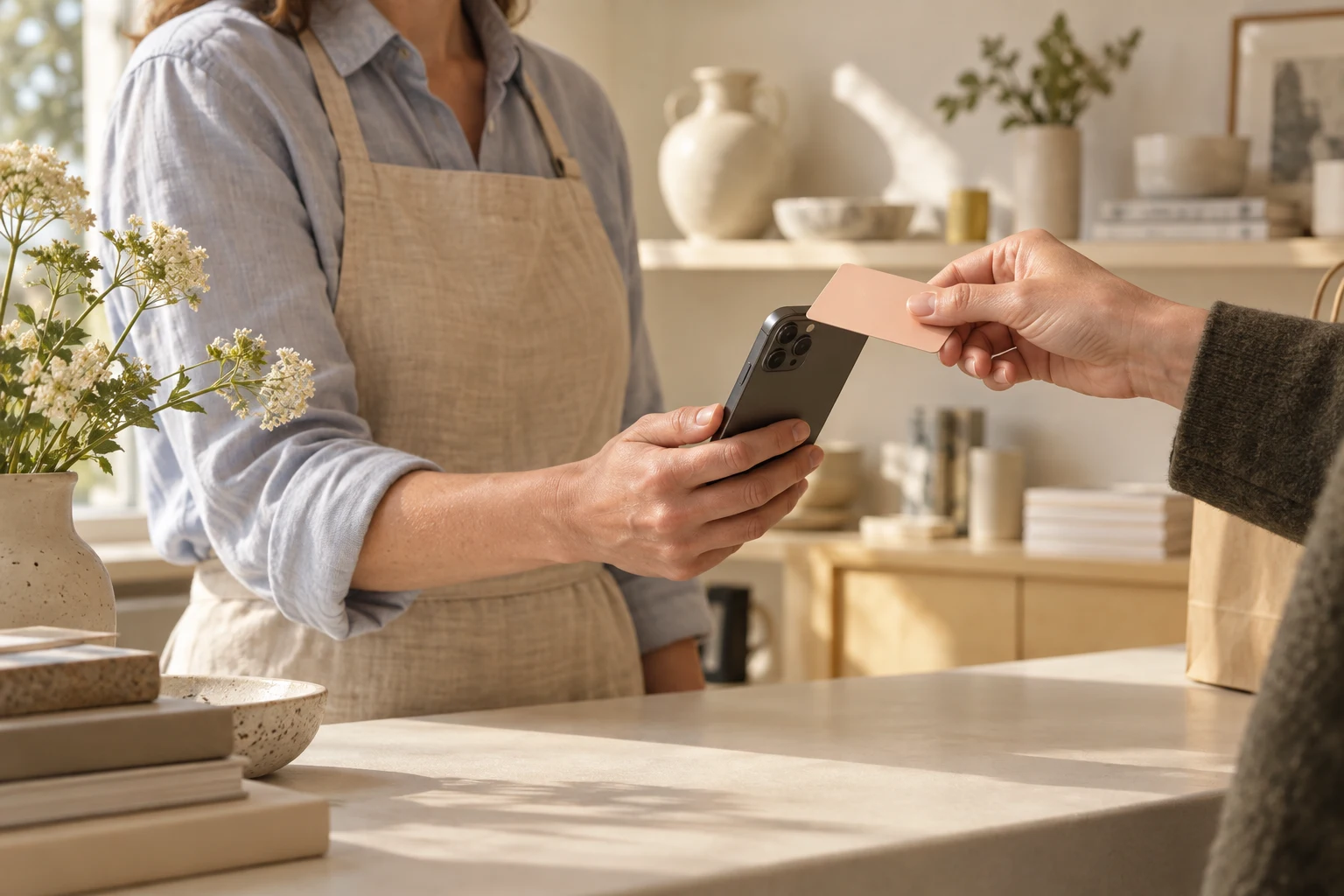
Put a sale through in your shop, at a market or after a job. Your phone runs the till and takes the payment. Check your device is supported before you start.
Open your products, add what the customer wants and check the order together. Take the payment on the same phone when they’re ready.
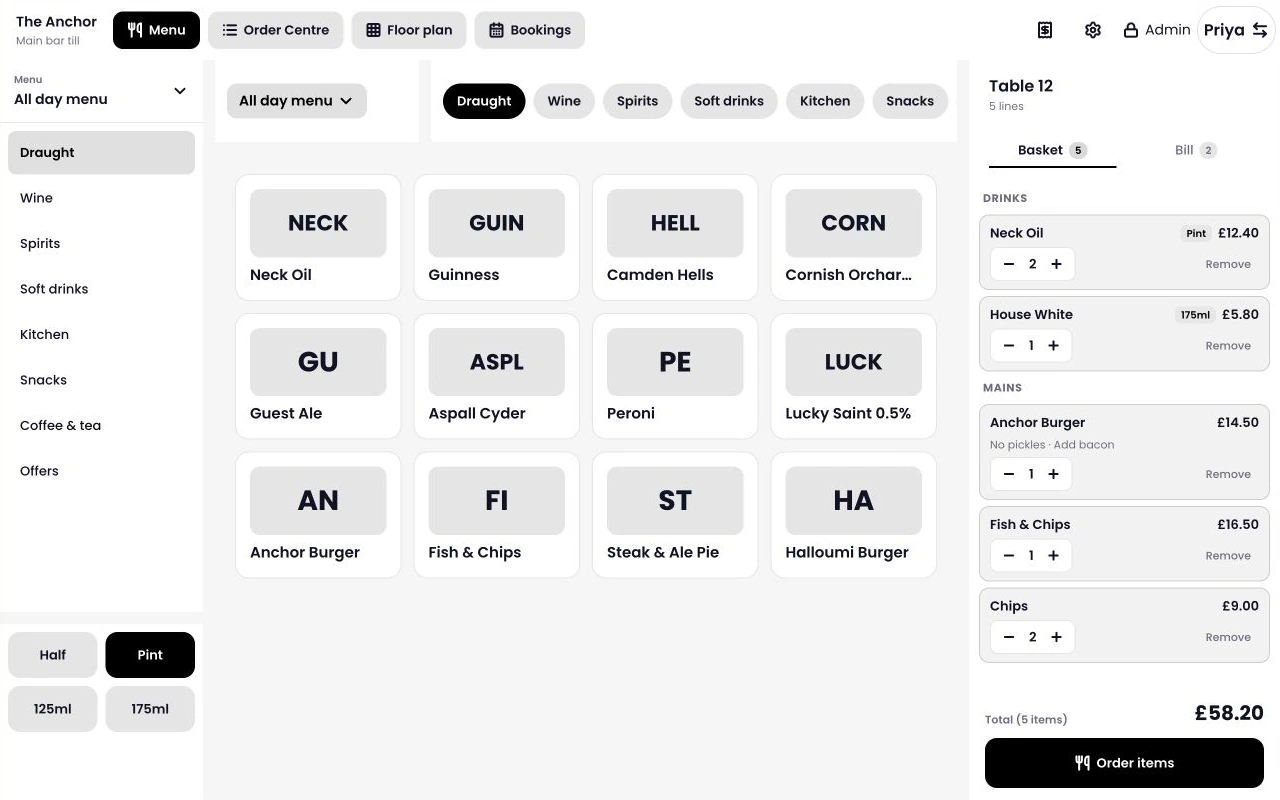
Use the products you’ve already set up in Tillable. You don’t need to keep another list for phone sales.
Add another item or change a quantity before you take payment. The customer can see what they’re paying for.
Your own device runs Tillable, including the order and the payment. Tap to Pay is how you take the card.
Your phone becomes the card reader for a contactless payment. There’s no separate terminal to carry or amount to type in again.
Finish the order in Tillable and choose Tap to Pay.
Ask the customer to hold their contactless card or phone at the tap position shown on your screen.
Check the payment confirmation before moving on to the next customer.
Tap to Pay works on selected iPhone and Android devices. The model and software version matter, so check both with us before choosing your setup.
Tell us its model and operating-system version. We’ll check whether it supports Tillable Tap to Pay.
Check the exact model before you buy. An iPhone or Android name on the box doesn’t mean every device is supported.
A fixed counter isn’t always where you finish a sale. Keep the till with you when your work takes you elsewhere.
Help a customer choose, then take payment beside the display. There’s no walk back to the counter to finish.
Take your products and prices with you for the day. Your phone leaves more room on the table for what you sell.
Take the payment while you’re with the customer, whether you work in a salon or visit them at home.
Sell in person with your phone and give customers somewhere to buy online. Build your shop in Tillable, with your catalogue already there.
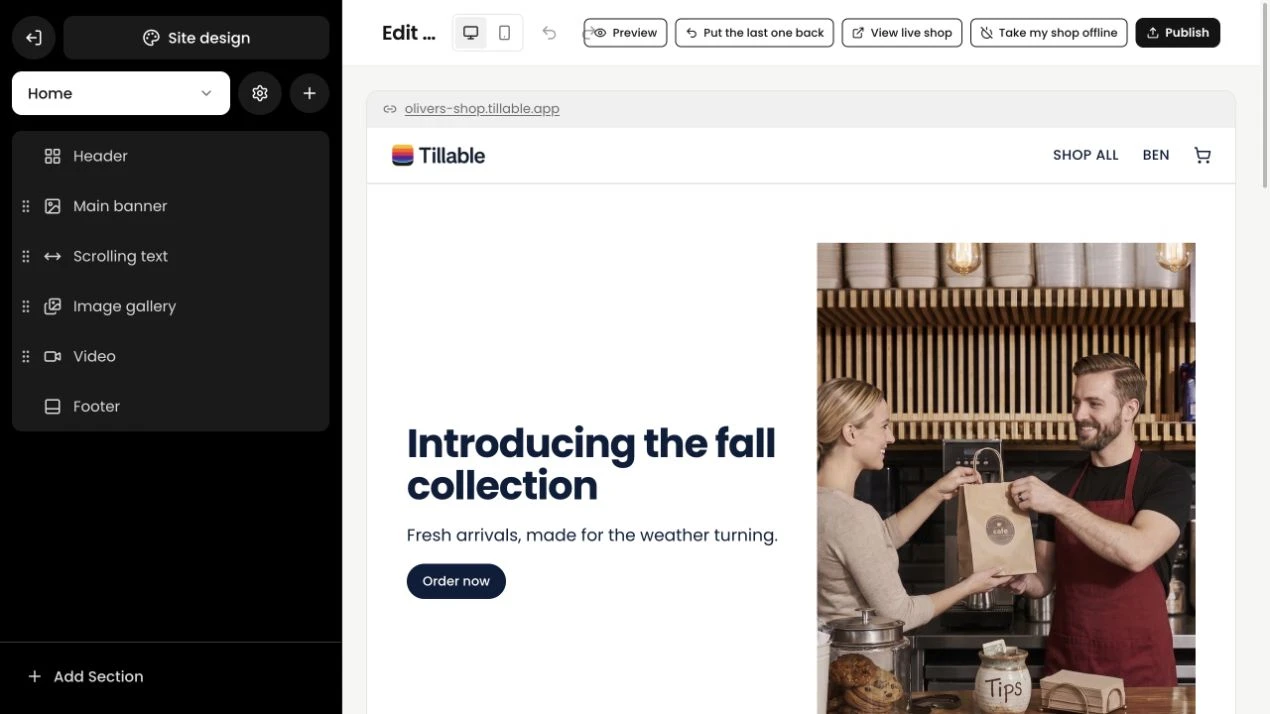
Add your images and copy in the shop builder. Check the page as you work on it.
Manage the products you sell online alongside the ones you sell in person.
Check the day’s takings or look up a customer’s purchase history. The rest of Tillable is there when you need it.
Use your own phone alongside Tillable hardware. Keep a device on the counter for your team and take yours with you when you leave it.
A supported device takes orders and contactless payments without a separate card reader.
Choose a larger screen for a fixed checkout or a dedicated handheld for a full shift of serving.
Manage your products, customers and takings across the devices you use.
See the full point of sale, compare dedicated devices or look at your other ways to take payment.
No. You can run the full Tillable system on your own device. Tap to Pay lets a supported phone accept contactless payments as part of that setup.
Yes, on selected devices. Send us your phone model and operating-system version so we can check compatibility before you start.
Not for Tap to Pay on a supported phone. Your customer presents their contactless card or phone to yours.
Yes. Use your own device alongside Tillable counter and handheld devices, with your products and sales managed in the same system.
Ask us for the payment rate and software costs for your setup. We’ll also check your phone, so you know whether you need another device.

Tell us what device you use and where you take payments. We’ll help you work out the setup for your business.