This round and the last
See what you’re adding beside what’s already been sent. Rounds taken on another device appear here too.
Run Tillable on your counter and handheld. Build an order, keep a tab open and take payment wherever you’re serving.
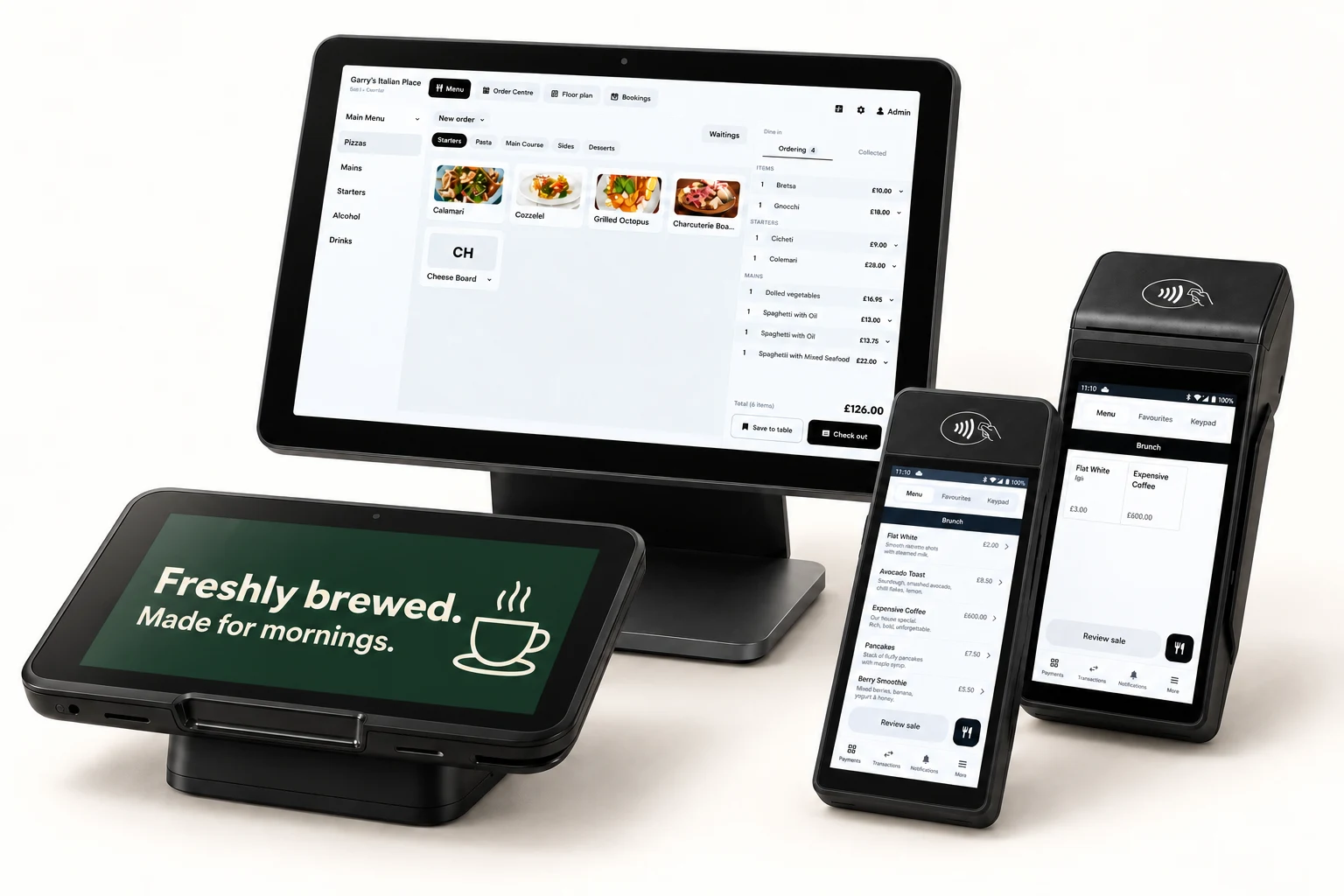
A shop needs a basket. A bar needs open tabs. Choose the screens each counter uses, then change its settings from the back office.
Products, categories and the running order sit together on the full-size till. On the handheld, move between the menu, basket and payment.
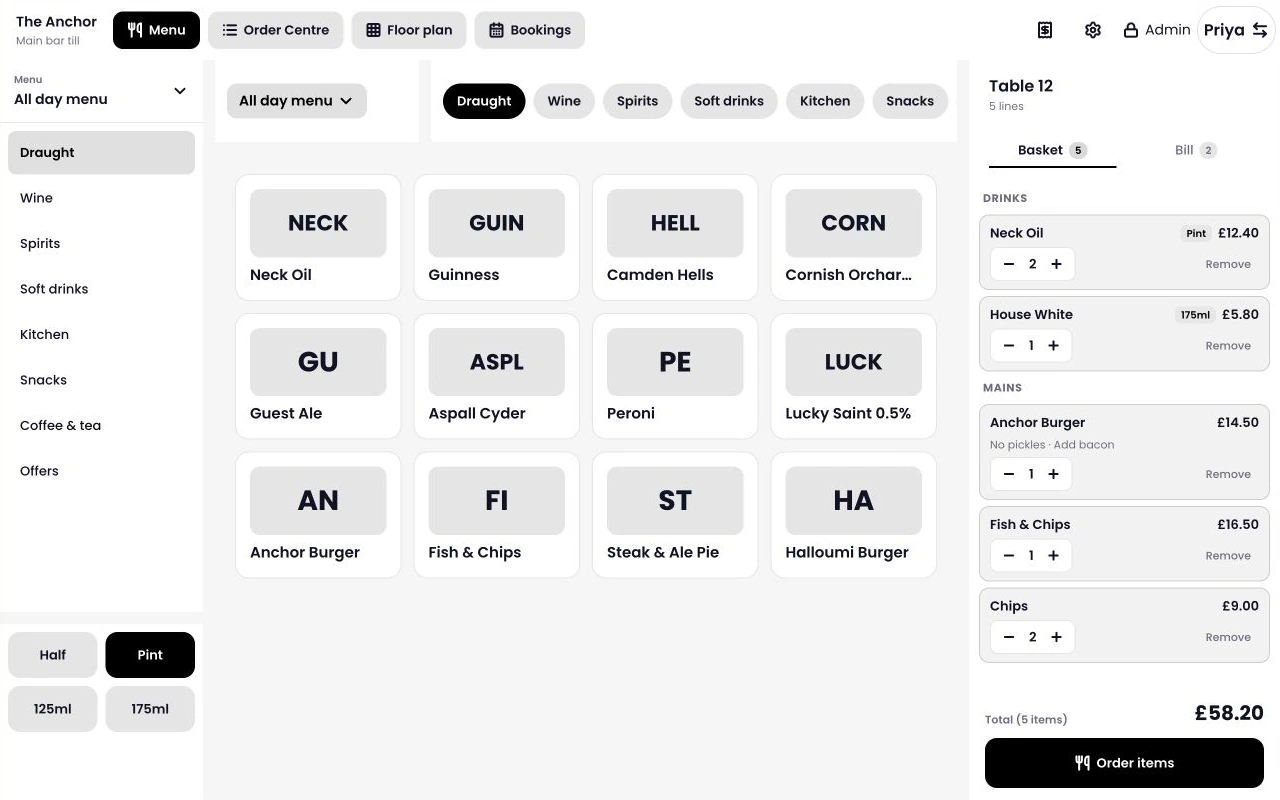
See what you’re adding beside what’s already been sent. Rounds taken on another device appear here too.
Change the quantity, reopen an item’s options or remove it from the order. Drink-size keys set the measure and price for each drink.
Use product photos or plain tiles with prices. Plain tiles leave room for more products on screen.
Tap Pay with card on the till to send the amount to a terminal at your site. There’s no second amount to key in.
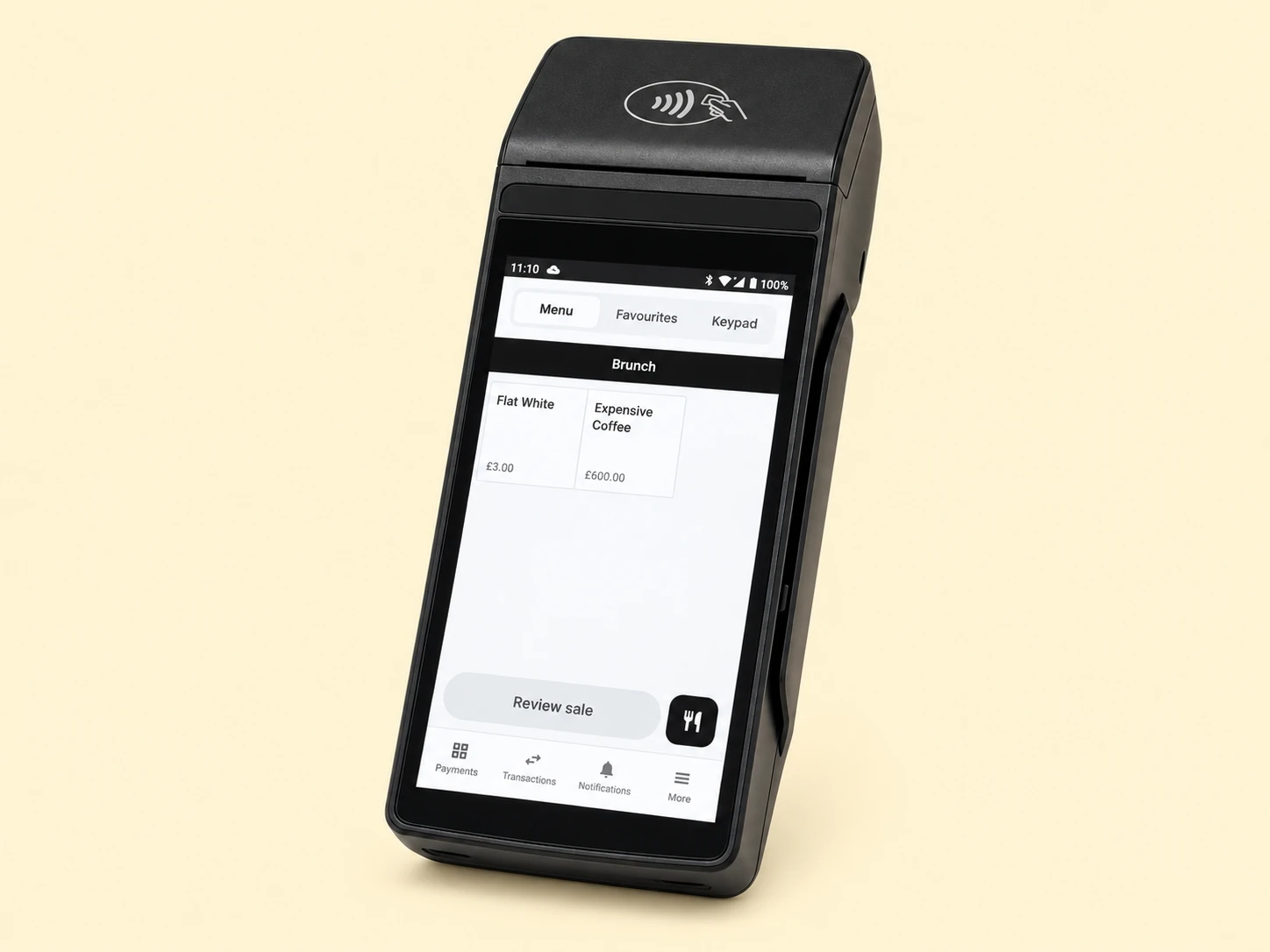
Tillable selects the only free terminal, or lets you choose when several are available. Each terminal handles one bill at a time.
Customers can use contactless, chip and PIN, Apple Pay or Google Pay. For cash, the till works out the change.
Card tips appear separately from your takings in the end-of-day report.
Give customers somewhere to browse and buy online. Your Tillable shop connects to your point of sale, with orders and payments in the same system.
Build the basket as you serve. Use the handheld to take an order on the shop floor or at a table.
Let customers browse your products from their phone or computer, choose what they want and pay online.
Open your floor plan, switch rooms and see which tables are occupied.
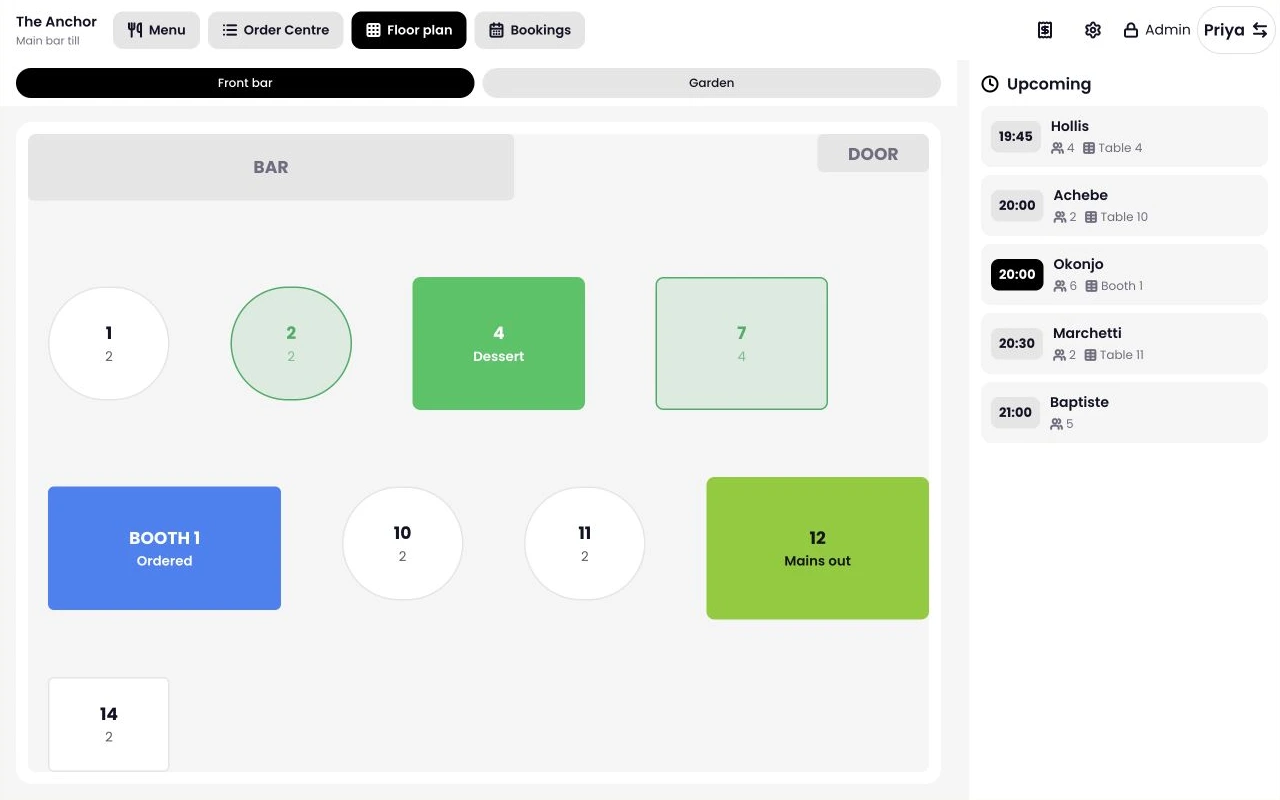
Set table shapes, sizes and angles to match the room. Fixtures appear separately from tables.
Search dine-in, bar and takeaway tabs. Choose a list or tiles, then decide which details appear on each card.
Wide tills can show today’s bookings next to the floor plan.
Create your products in the back office, then add them to the menus you need. Save a change and your tills pick it up.
Import a product spreadsheet, check what will be created and save when you’re ready.
Keep selected till controls behind a manager PIN. Change device settings from the back office without restarting the till.
The till keeps the menu, tabs and floor plan it already holds. Card payments still need a connection; the handheld can use mobile data.
Sales records stay on the device until they can upload. Each retry uses the same payment reference.
If the card reader’s result is unknown, Tillable flags the payment for review.
Manage your menus, choose how to take payment and give customers somewhere to shop online.
Yes. Both run Tillable point of sale, with layouts for their screen sizes and modes for counter, bar, restaurant and connected payments.
It sends the amount to a terminal at the same site. The full-size till has no built-in card reader.
Card payments need a working connection. The handheld can use mobile data if your site’s network fails. Sales records wait on the device to upload.
Yes. Tillable Online Shop connects to your point of sale. Customers can browse and buy from their phone or computer.
You can import products from a spreadsheet in the back office. Tillable shows what will be created before you save.

We’ll talk through the screens, devices and payment setup your team needs.