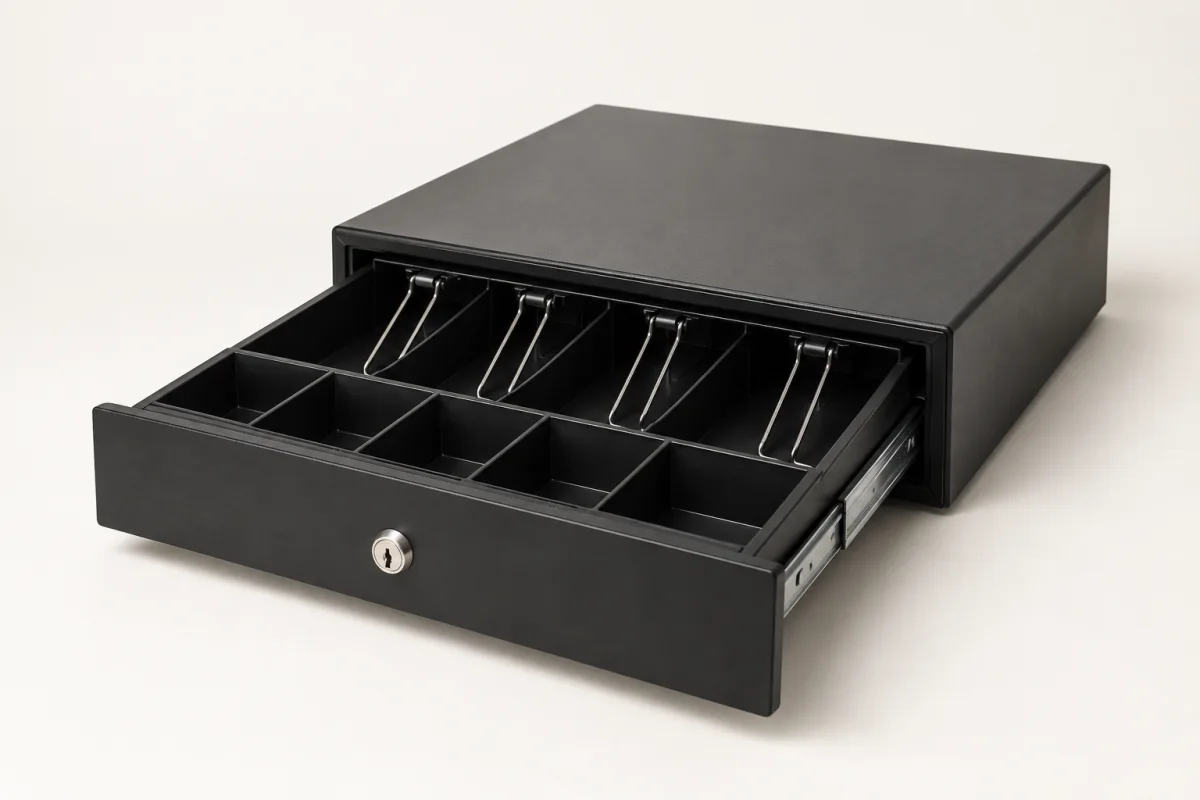
Cash drawers
Keep notes, coins and the day’s float within reach. Choose a drawer that fits your counter and till.
From a cash drawer under the counter to an order screen in the kitchen, choose the equipment that fits the way you work.
Talk about your setupKeep notes, coins and the day’s float within reach. Choose a drawer that fits your counter and till.
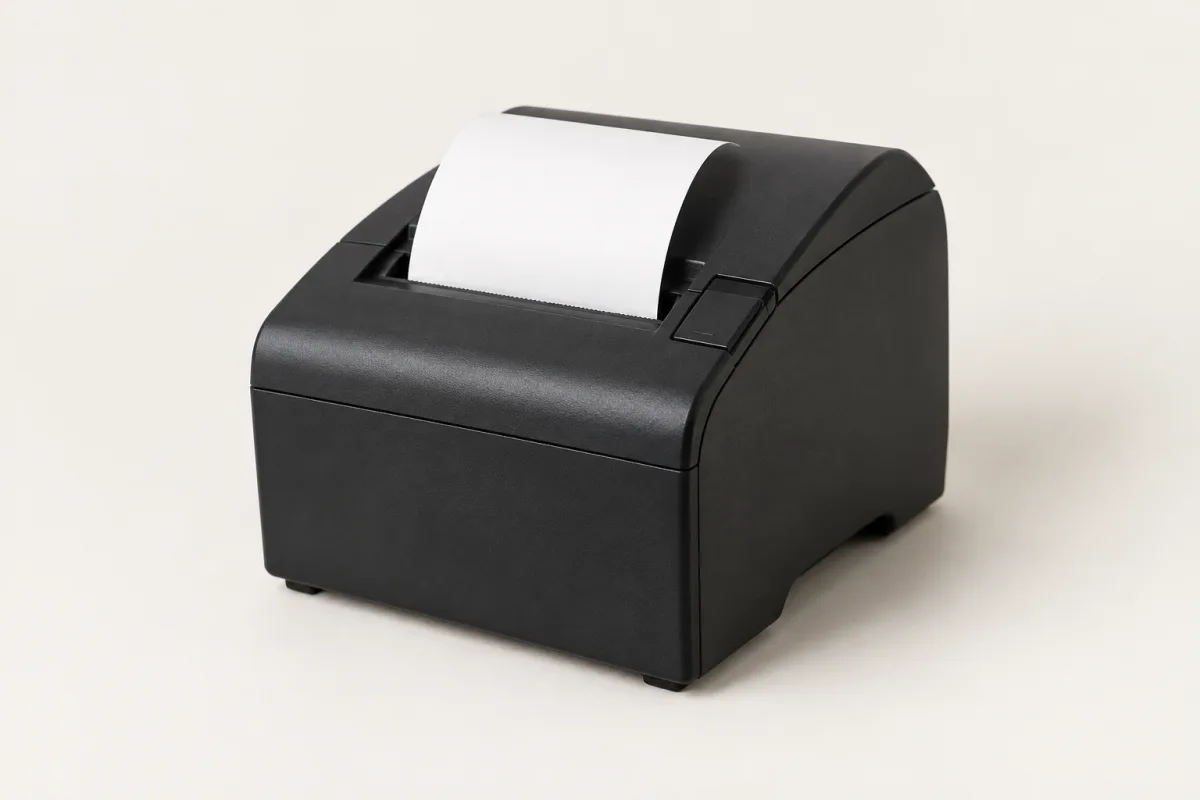
A printed receipt to take away. Match the printer and connection to the Tillable device you use.
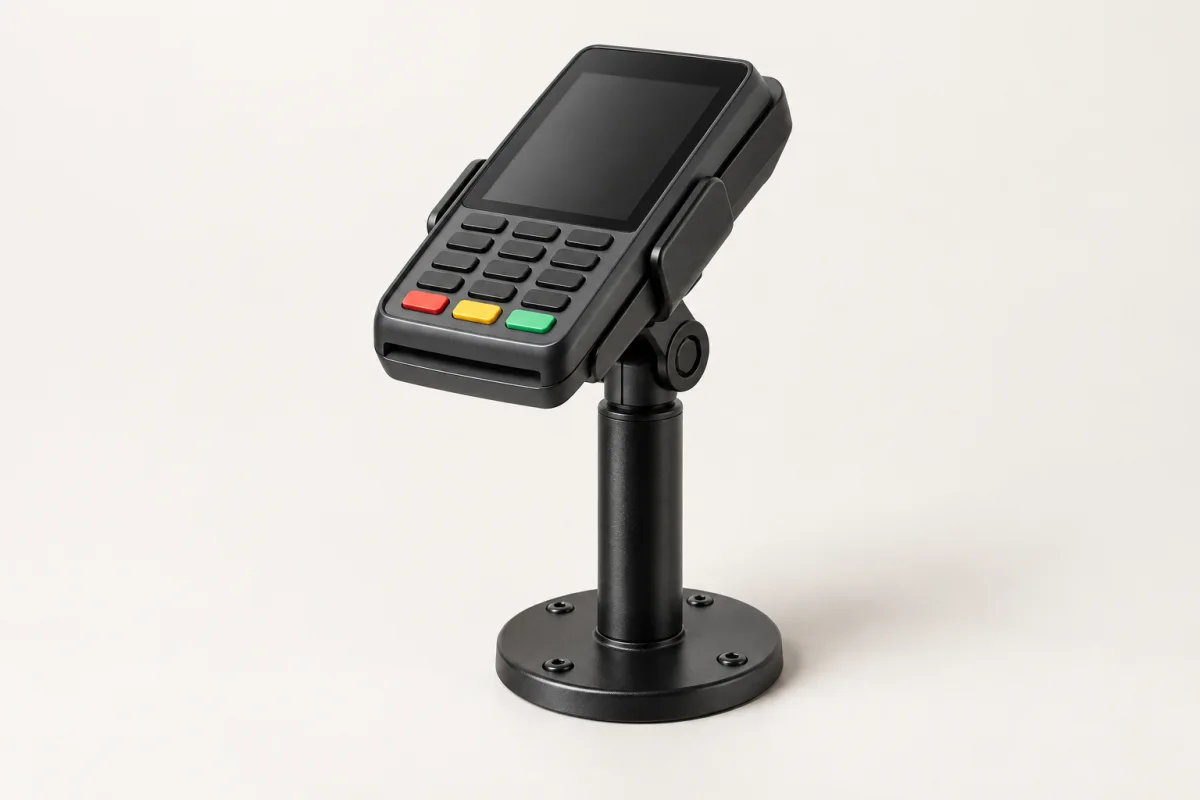
Give your screen or payment terminal a place on the counter, with a mount suited to your device.
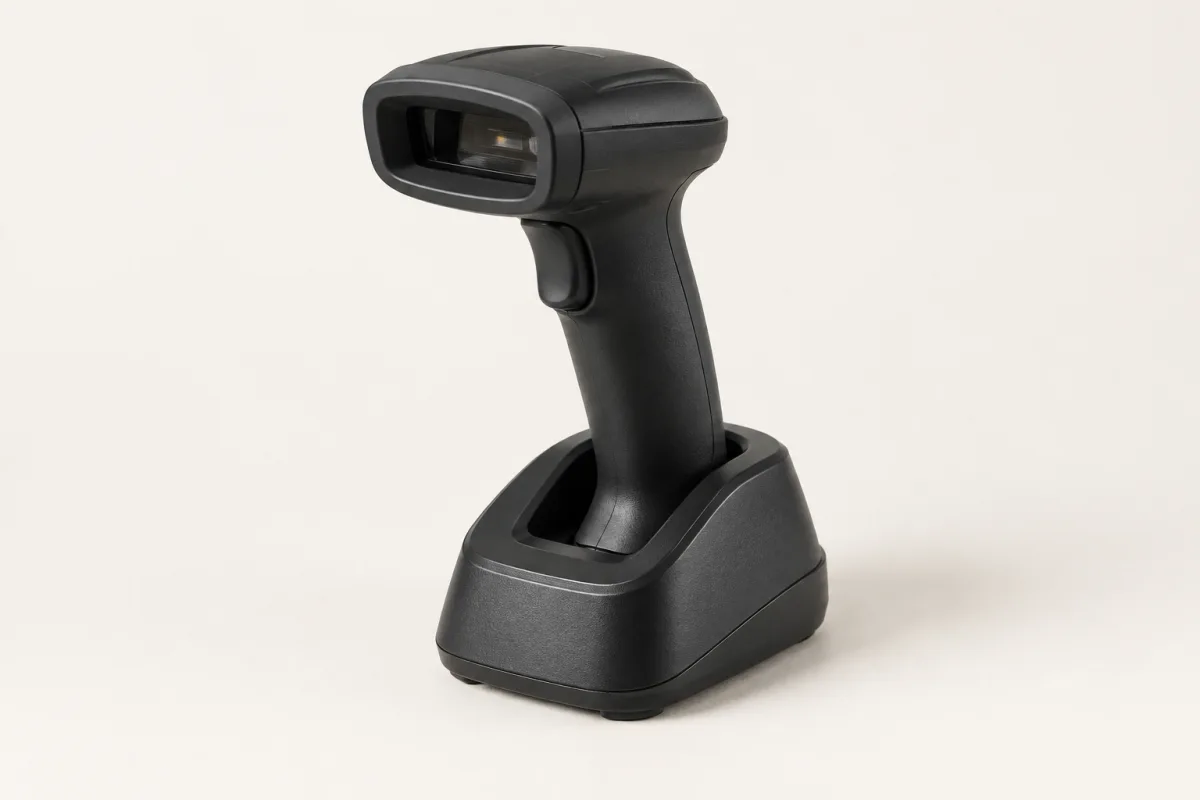
Scan the barcode at checkout instead of finding each product on screen. Keep the scanner close to where you pack.
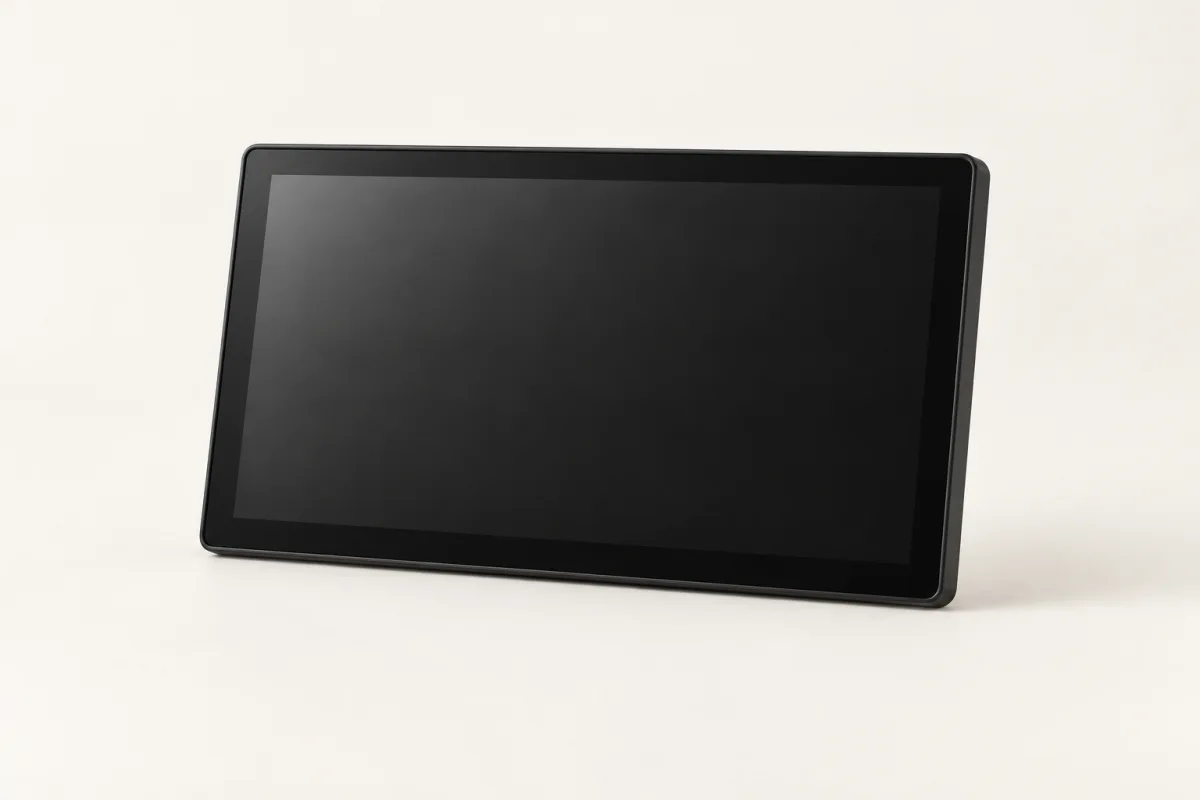
A touchscreen for the kitchen, supplied without a stand. Put orders in view where your team prepares them.
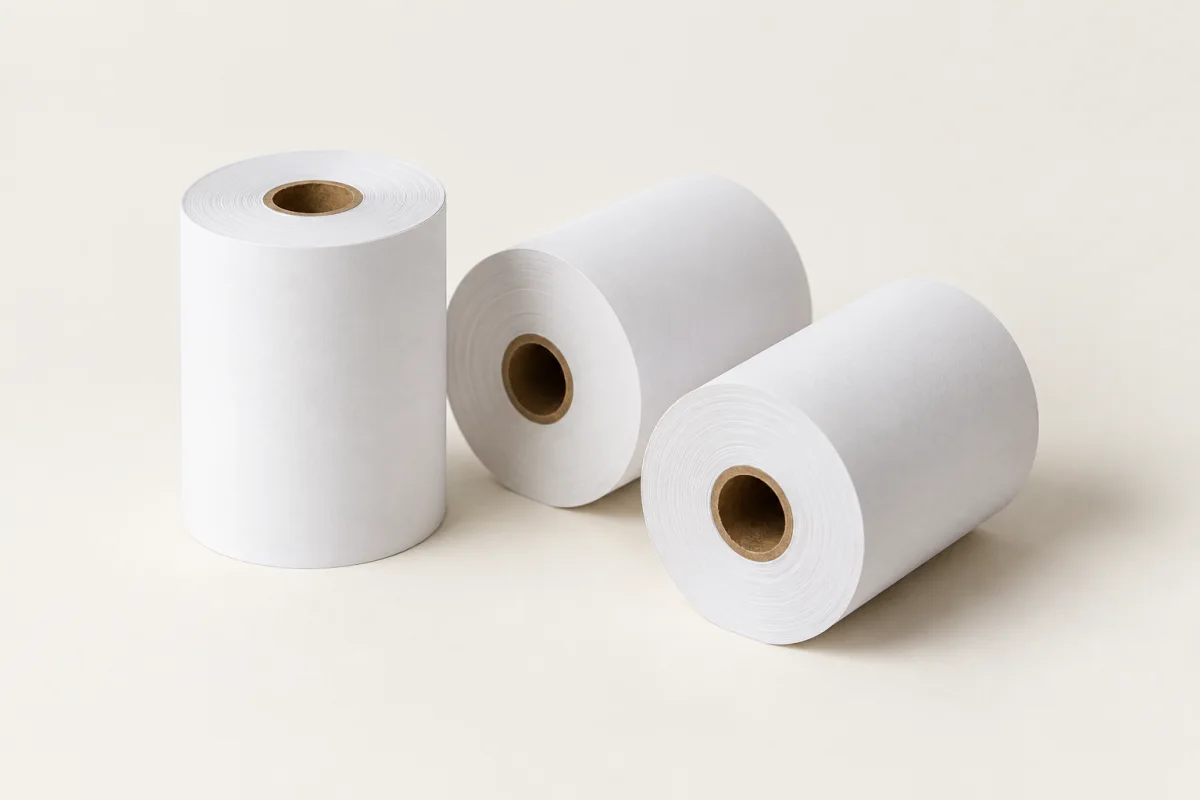
Paper for the next receipt, and a spare for the busy shift. Match the roll size and type to your printer.
Images are illustrative. We’ll confirm the right models for your setup.
Bag a purchase, pass over a receipt, take the next payment. Arrange your equipment around what happens at the counter.
Explore Point of SaleA touchscreen by the prep station or at the pass puts orders where your kitchen team needs them. The screen comes without a stand, so plan its position to suit your space.
See how Tillable KDS worksSend us the make, model and connection details, along with the Tillable device you use. We’ll check the combination before you replace anything.
Start with the device you want to mount and where it will sit. Share the device model and your counter layout so we can check the mount and fixing you need.
The size and paper type depend on the printer. Send us its model number or the details from your current rolls, and we’ll help you find the right match.
No. Tillable Terminal’s generic thermal-printer option prints text without logos or QR codes. Use a supported Star printer if you need those on the receipt. Confirm the exact model and connection before ordering.
Tell us which accessories you need, how many and which Tillable devices you use. We’ll help you check the equipment and put together a quote for your setup.

Tell us which Tillable devices you use and what you need around them. If you already have equipment, send us the details.