
Show the product details.
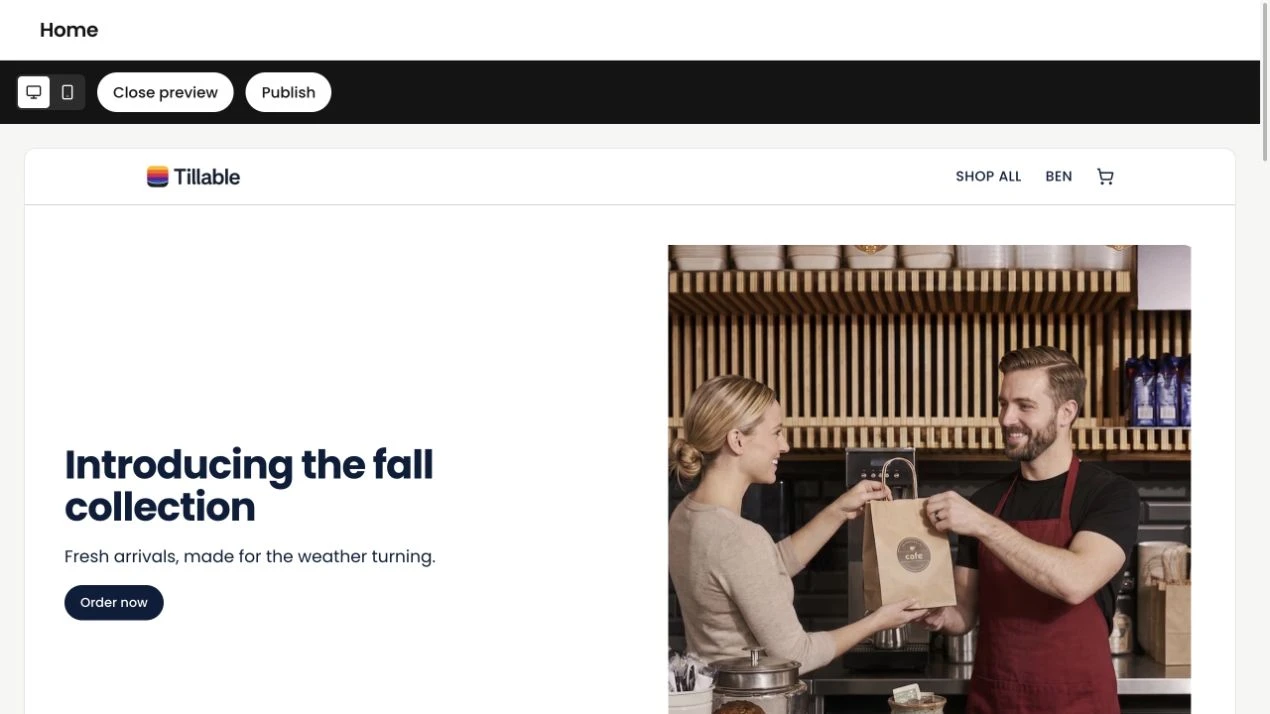
Show what you sell with photographs and product details. Preview it on a phone as well as a larger screen.
Build a storefront from your Tillable catalogue. Choose the products, make the pages your own and give customers a place to find you.
Included with Plus and Enterprise.
Publish your storefront pages. Shop checkout cannot yet place orders or take payments.
Your shop uses your Tillable product catalogue. Choose which products go online, with their names, photographs and prices already there.
Use the shop visibility setting to decide which products appear. An item can stay on the till without being listed online.
Keep the usual product price or set a separate shop price. You don’t need to create a second product to price it differently online.
A product page, your story, a way to get in touch. Build the pages customers need, with the shop preview beside you as you work.
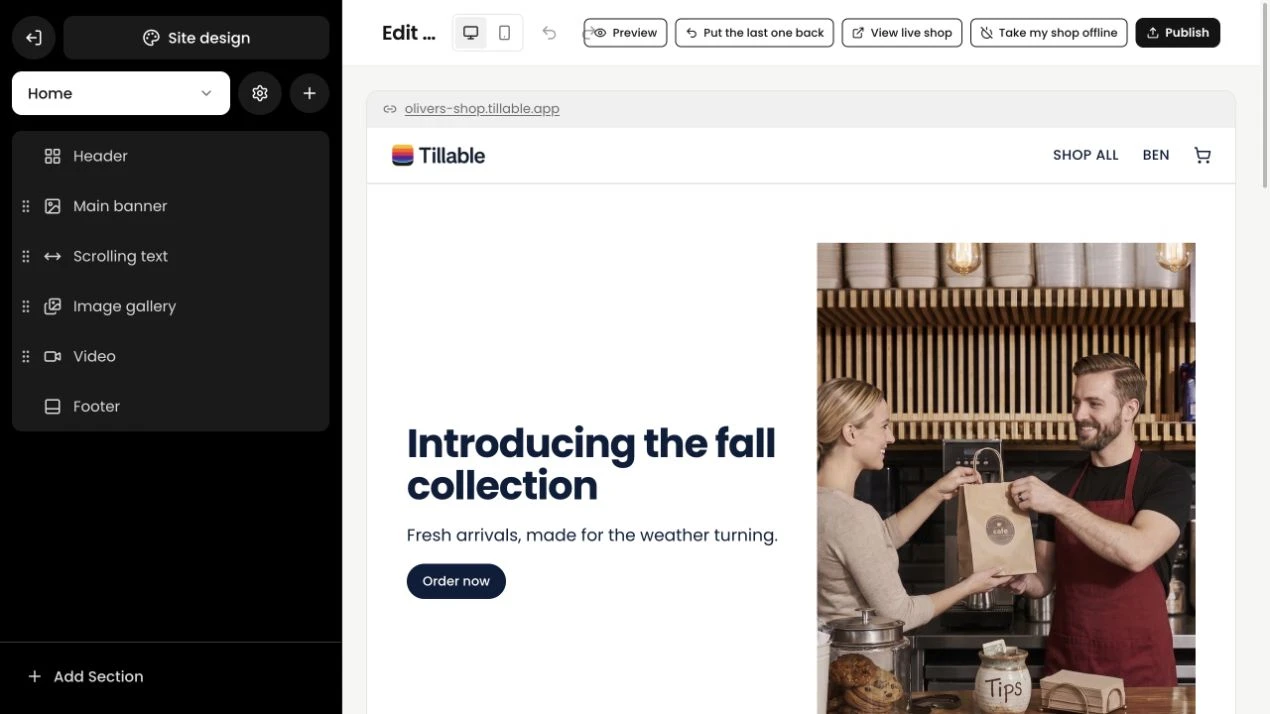
Put your products where customers can find them. Add photographs, text and a contact form, then arrange the sections around what you want to show.
See the shop featuresGive people the details they would ask for in person, and a way to contact you when they need to know more.
Show what you sell with photographs and product details. Preview it on a phone as well as a larger screen.
Add a contact form to your page. Read the enquiries in Tillable Responses when a customer asks about an item or wants to discuss an order.
The products you put online come from the same catalogue your team uses at the counter. Keep working with the Tillable tools you already have.
Keep your changes in the builder until the pages are ready. A preview gives you room to check the details before customers see them.
How the builder worksChoose what appears online and check the photographs and prices.
Arrange your sections, add your words and choose your colours.
Use the phone and desktop previews, then publish to your Tillable shop address.
Customers can browse products and add them to a basket. The shop checkout cannot yet place an order or take payment. Click and Collect uses a separate ordering page for collections.
No. The shop uses names, descriptions and photos from your Tillable product library. Use Show on shop to choose what appears online. Prices use the product’s base price unless you set a separate online shop price.
You can claim a tillable.app address for your shop. Connecting your own domain is also supported where it is enabled for your account. You will need to update its DNS settings and complete verification before using it.
The shop does not currently show stock quantities or calculate shipping methods, carrier rates or delivery charges. Product visibility is controlled through Show on shop.
Yes. Work on a saved draft and check the desktop and mobile previews. The published site changes when you choose Publish. You can also restore the previous published version.
Start with your products. We can help you work out the rest.