Connected payments
Send the bill from the till to a terminal.
- Amount sent from POS
- Choose an available terminal
- One bill per terminal
Compare Tillable Handheld, Tillable Terminal and Tillable Horizon, from connected payments to screens, receipts and power.
3 feature groups
Send the bill from the till to a terminal.
Take payments at the counter or carry the terminal to your customer.
Explore devices that also run the point of sale.
Tillable Terminal reports its network connection separately from whether it can reach Tillable. Staff can see which part needs checking.
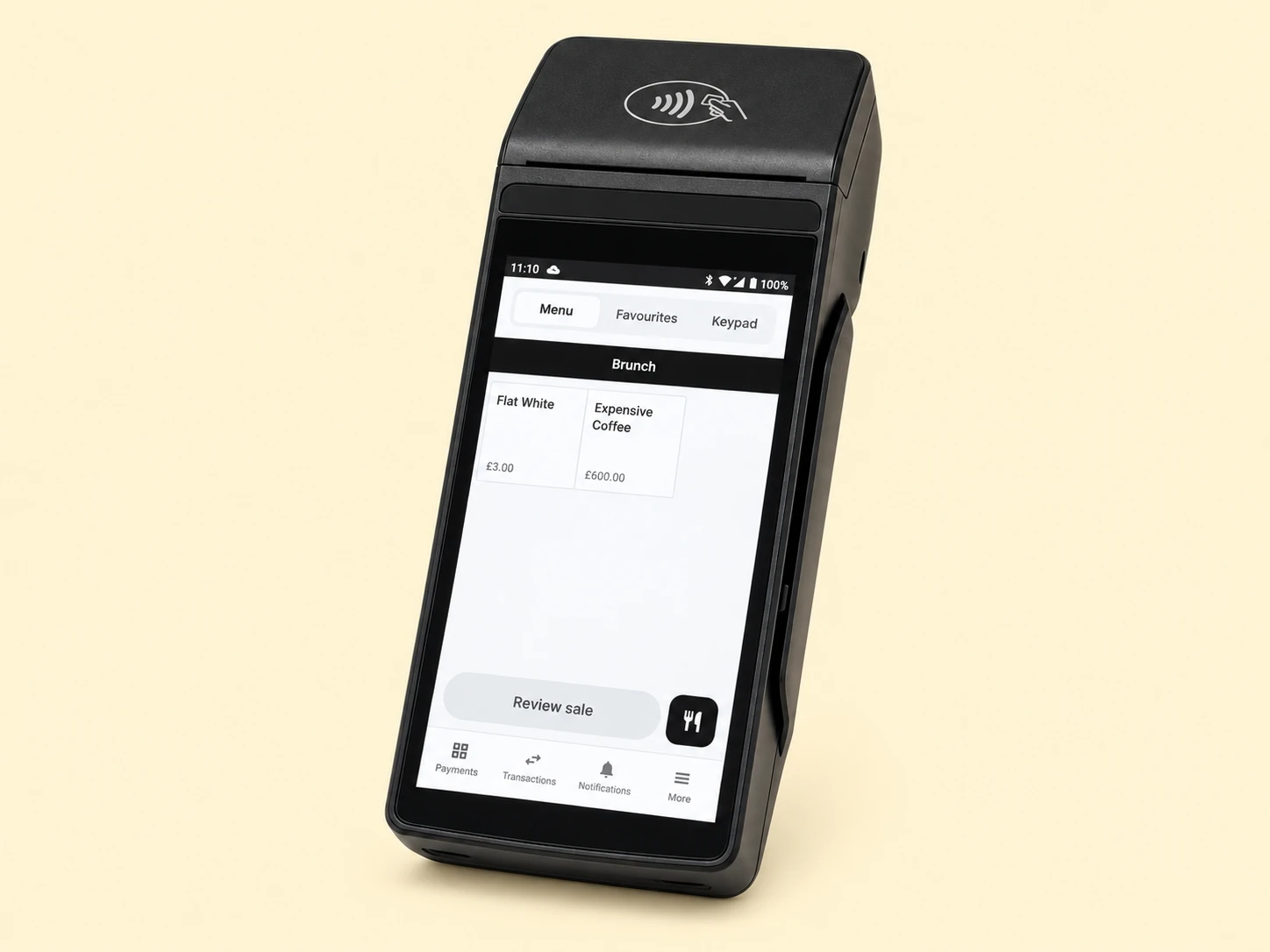
The Terminal can take card payments over a working mobile connection when your site’s network is unavailable. This still requires a connection.
Open Wi-Fi or mobile settings from the first setup screen. Once the device is online, return to pairing.
Tillable Terminal passes the amount to its separate payment application. The result comes back with the payment reference.
The returned information includes the outcome, amount, card scheme and reference. Those details tie the card payment to the sale.
Card numbers and PINs stay inside the payment hardware. They do not become part of the till’s sales records.
See Handheld POS or read about the payment service.
No. In connected mode, the Tillable point of sale sends the total to the terminal.
Yes. Staff can choose between available machines at the same site. Each terminal handles one bill at a time.
Send us its make, model and payment provider. We’ll check compatibility before you make any changes.

Tell us how many counters and floor staff take payments. We’ll help you choose the devices.